Scaffold working directory
When you add a new working directory, you can scaffold the directory by GitHub Actions. tfaction provides a workflow for it.
- Prepare template directories to scaffold working directories.
- Configure
tfaction-root.yaml'starget_groupsto use the template.
target_groups:
  - template_dir: templates/github
    # ...
- Set up the workflow
- Execute GitHub Actions Workflow manually.
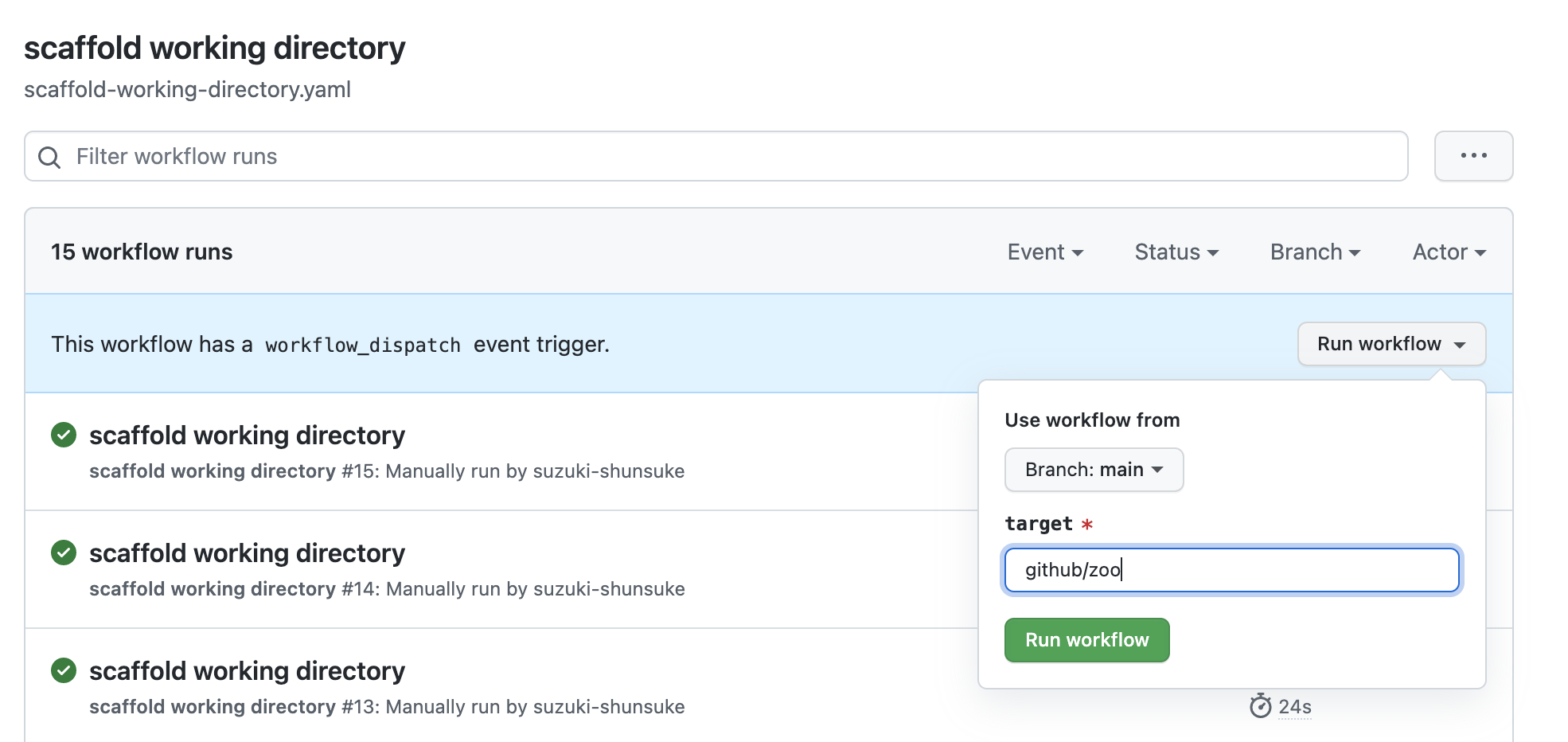
Then a pull request would be created.

Compared with executing commands at the localhost, GitHub Actions has the following merits.
- GitHub Actions doesn't depend on you local environment
- You don't have to install tools at local
- You can avoid the trouble due to the difference of local environment
- GitHub Actions log is useful for trouble shooting
Placeholders
The following placeholders in templates are replaced.
%%TARGET%%: target%%S3_BUCKET_NAME_TFMIGRATE_HISTORY%%: S3 Bucket Name for tfmigrate history files%%GCS_BUCKET_NAME_TFMIGRATE_HISTORY%%: GCS Bucket Name for tfmigrate history files
e.g.
terraform {
  required_version = ">= 1.0"
  backend "s3" {
    bucket = "S3 Bucket Name"
    key    = "%%TARGET%%/v1/terraform.tfstate" # Placeholder
    region = "us-east-1"
  }
}
💡 Skip creating pull requests
If you don't want to create pull requests by GitHub App, please see Support skipping creating pull requests.